Images of the Russian Empire
Colorizing the Prokudin-Gorskii glass plate collection by aligning the three recorded color channels.
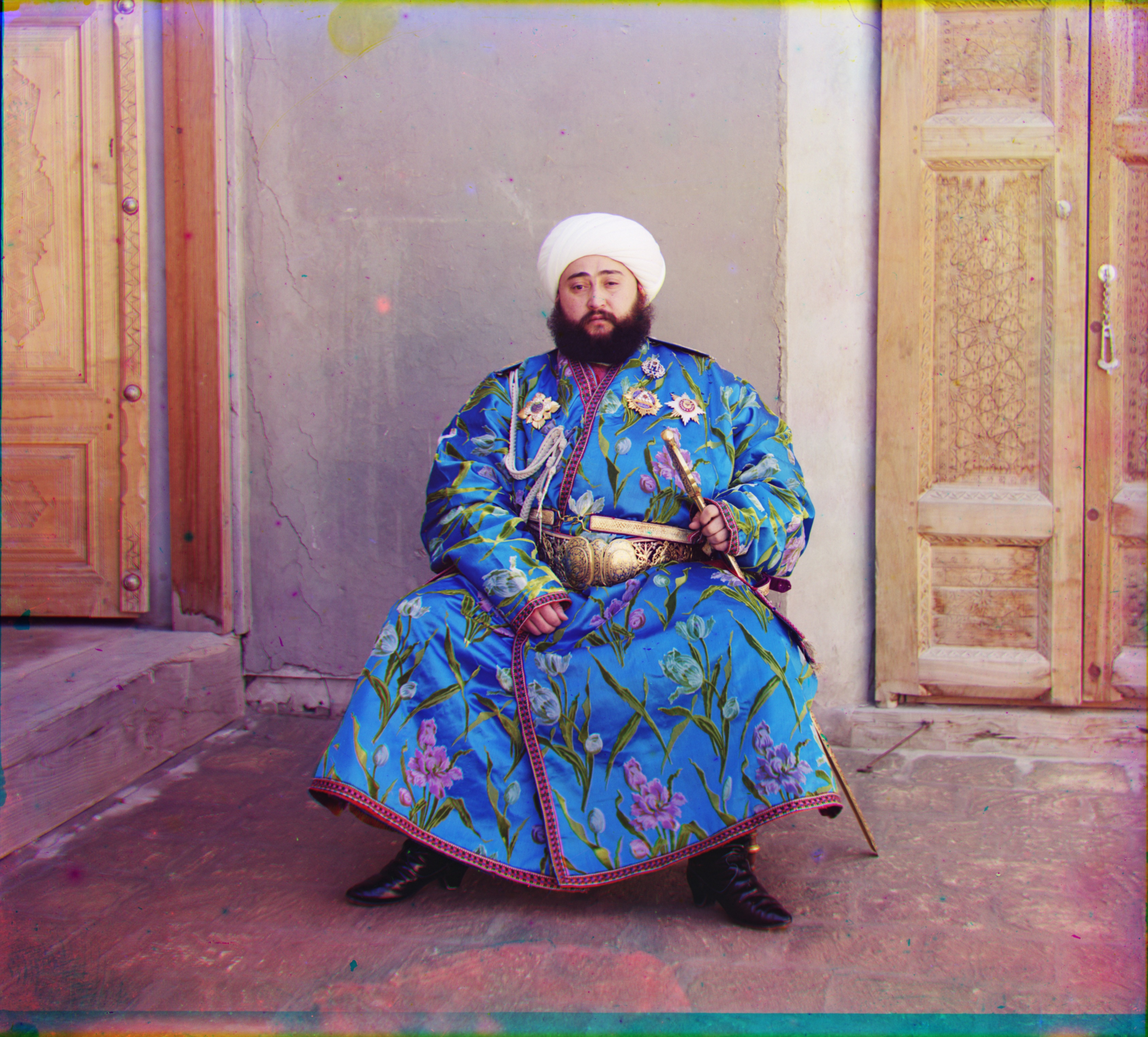
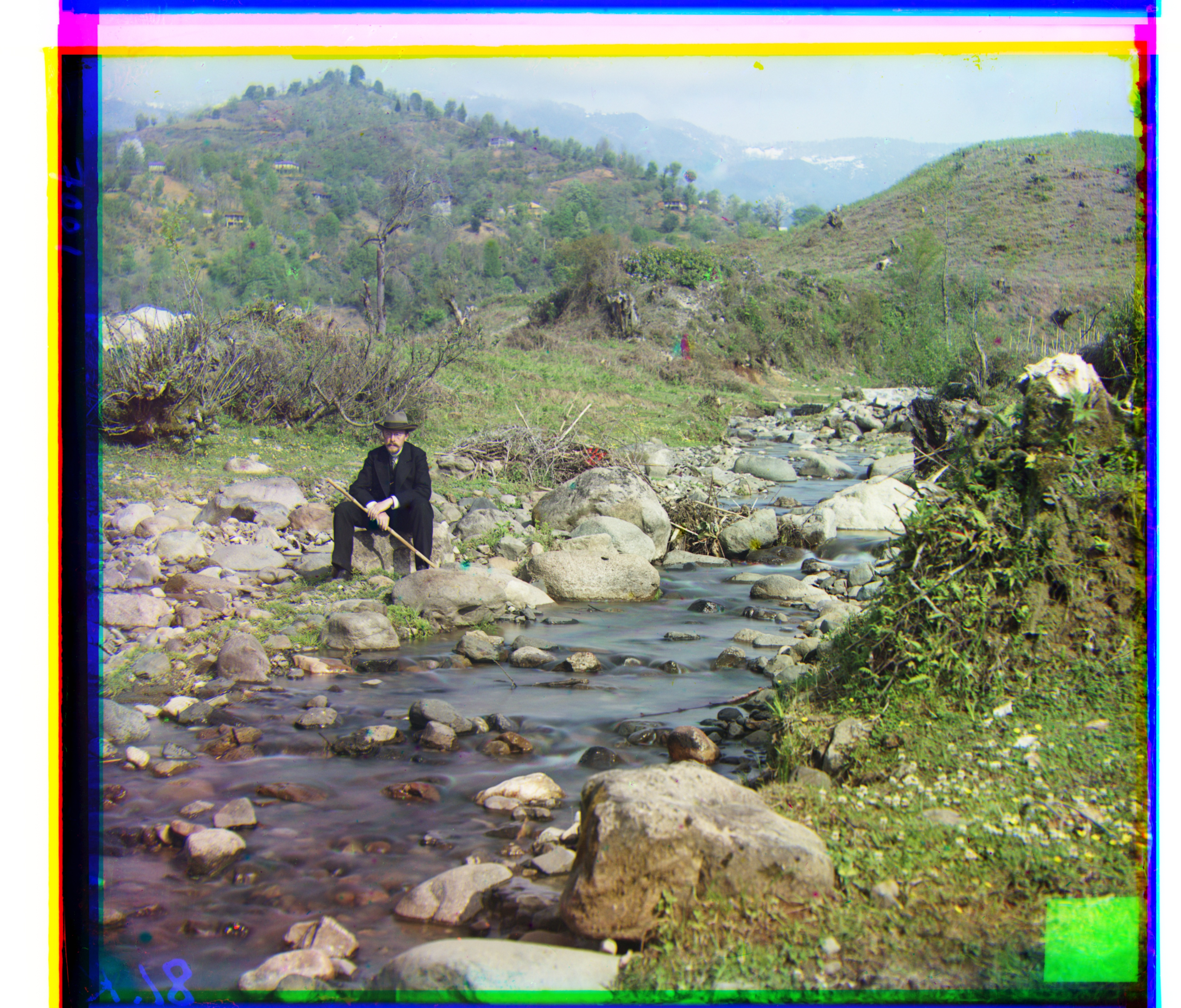
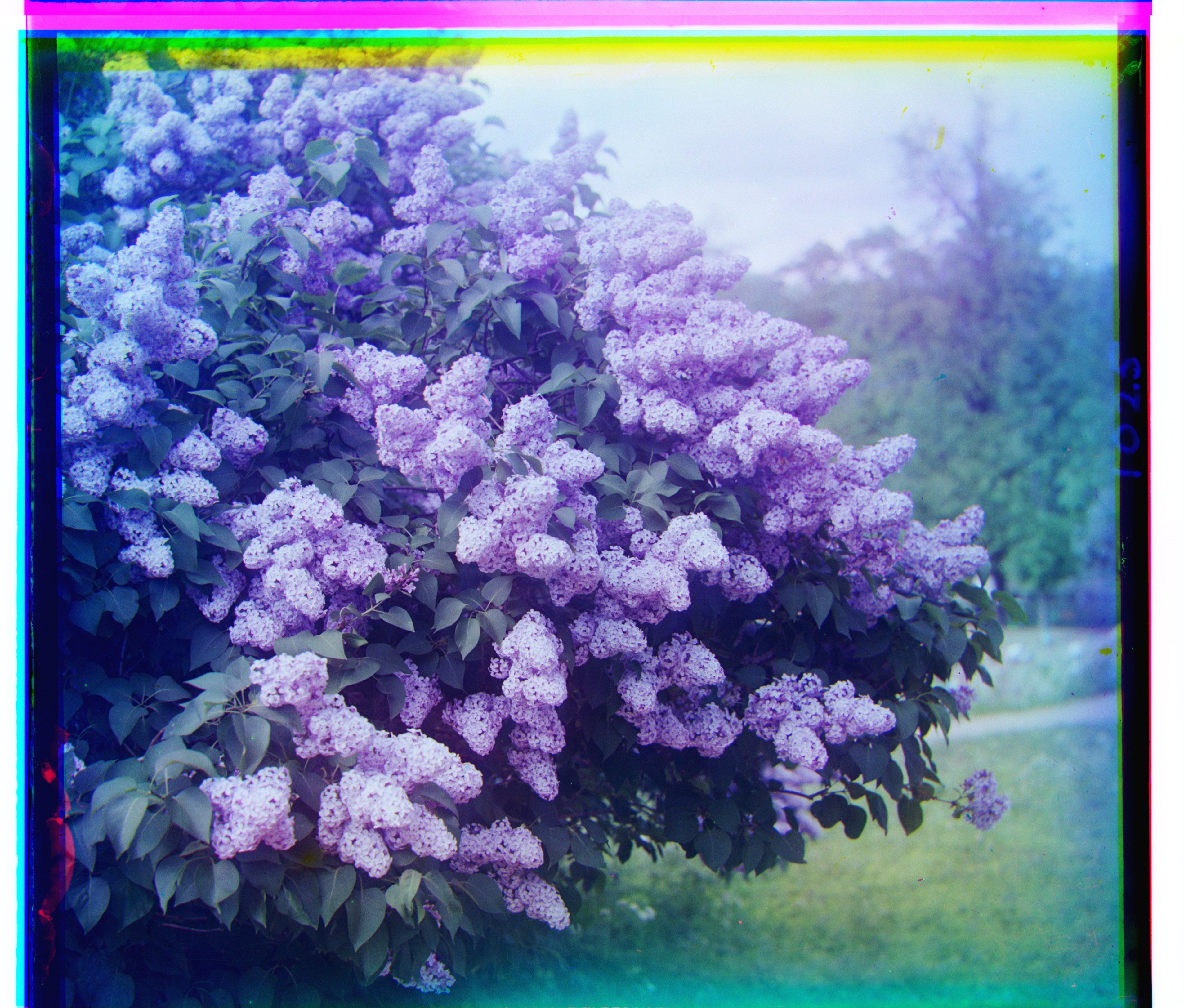
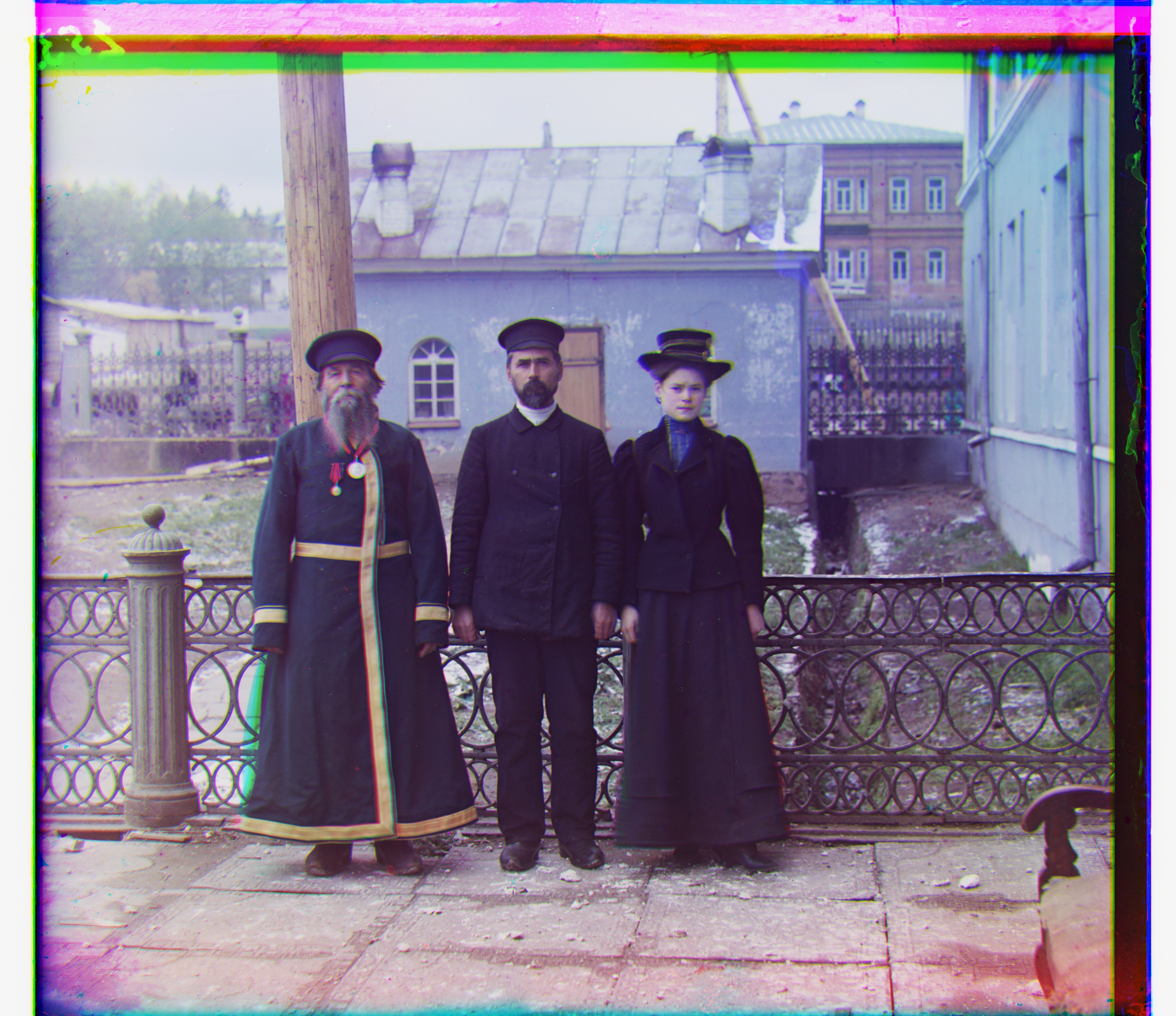
Raw-pixel NCC aligned 13 of the 14 provided images. Emir was the one clear failure; switching the matching feature to gradient magnitude corrected it to G (24, 49), R (40, 107). The same pyramid parameters were also used on four additional Prokudin-Gorskii plates.
Overview
Each digitized glass plate contains three monochrome exposures of the same scene, recorded through blue, green, and red filters and stacked vertically in B, G, R order. If those three thirds are simply placed into the B, G, and R channels of one image, small camera motions between exposures appear as colored fringes. The alignment problem is therefore to recover two integer translations: one for G relative to B and one for R relative to B.
I keep blue fixed as the reference coordinate system and move the other two channels. For the small JPG files I can test every shift in a local window directly. The full-resolution TIFFs can require displacements well beyond that window, so I use the same matcher inside a coarse-to-fine image pyramid: estimate a large motion cheaply at low resolution, scale that estimate upward, and only search a small neighborhood at each finer level.
Scoring: what makes two shifts look aligned?
For every candidate displacement I shift the moving channel and compare its interior with the corresponding interior of B. I tested the two metrics requested in the project: L2 distance and normalized cross-correlation (NCC). L2 asks for the smallest pixelwise difference, while NCC asks for the strongest correlation after subtracting each image's mean. In the formulas below, p indexes pixels and \(\mu_1,\mu_2\) are the mean intensities of the two cropped comparison regions.
The mean subtraction makes NCC insensitive to an additive brightness offset, and the normalization reduces sensitivity to overall contrast. That is useful here because the three exposures were made through different color filters. It still does not make raw-pixel NCC invariant to scene content that changes dramatically between channels, which is exactly what happens on Emir.
I exclude about 10% around the border only while scoring. Those margins contain dark/bright plate edges and, after a shift, wrapped pixels from np.roll. If they are included, a visually meaningless border match can overpower the actual scene structure. This scoring crop is separate from the automatic output cropping used later as a bells-and-whistles step.
Implementation details
- Split the plate. The top, middle, and bottom thirds are B, G, and R. I keep B fixed and align G and R to it.
- Score candidate shifts. I ignore 10% around the image boundary while scoring, maximize mean-centered NCC, or minimize L2.
- Search directly for the JPGs. Every displacement in [-15, 15] × [-15, 15] is tested.
- Search coarse-to-fine for the TIFFs. Before each 2× downsample I blur with the separable kernel [1, 4, 6, 4, 1] / 16. I stop when the long side is at most 400 pixels, search ±15 there, then double the estimate and refine within ±2 at each finer level.
- Compose the result. The chosen shifts are applied to G and R and the aligned channels are stacked into one RGB image.
Why the pyramid is faster
A single-scale search over [-15, 15] in both axes tests 31 × 31 = 961 candidate shifts per channel. That is fine for the small JPGs. A full-resolution search wide enough to cover ±200 pixels would need 401 × 401 = 160,801 candidates per channel, and each candidate would score millions of pixels. For a five-level pyramid such as Emir's, my search instead evaluates 961 candidates at the coarsest level and only 25 candidates (±2 in each axis) at each of the four refinements: 1,061 candidate shifts per channel in total.
offset = search(coarsest_level, center=(0, 0), radius=15)
for level from coarse-1 down to full resolution:
    offset = 2 * offset
    offset = search(level, center=offset, radius=2)
Blurring before each 2× reduction is important: without a low-pass filter, fine high-frequency detail can alias into false structure at the coarser scale. I use the separable binomial kernel [1, 4, 6, 4, 1] / 16, a compact Gaussian-like filter, before taking every other pixel.
I used one fixed parameter set for every image rather than tuning individual plates. All offsets on this page are (x, y) shifts applied to G or R relative to B; +x moves right and +y moves down. Internally NumPy indexes arrays as (y, x), so I convert the order only when reporting results.
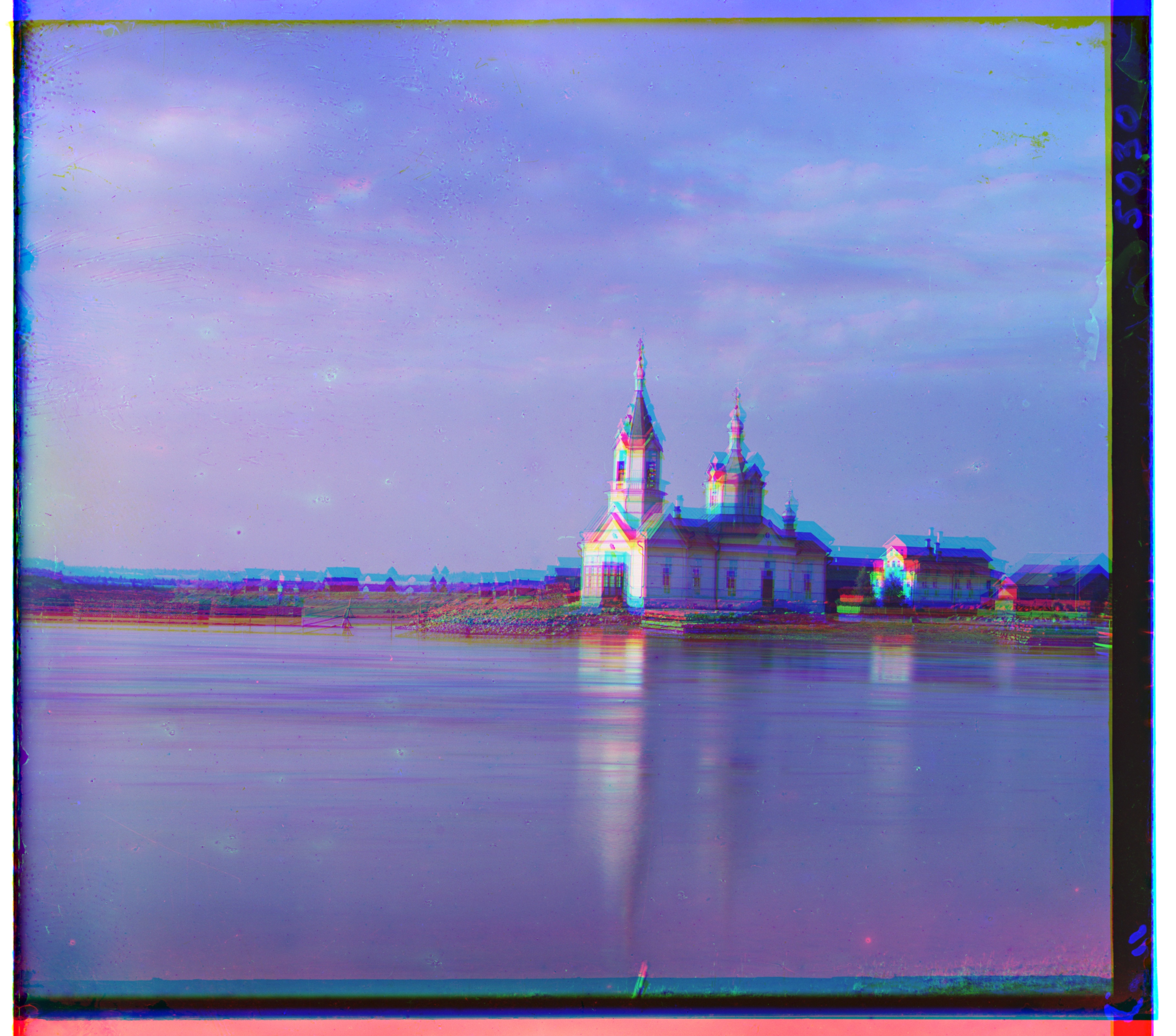
Before alignment
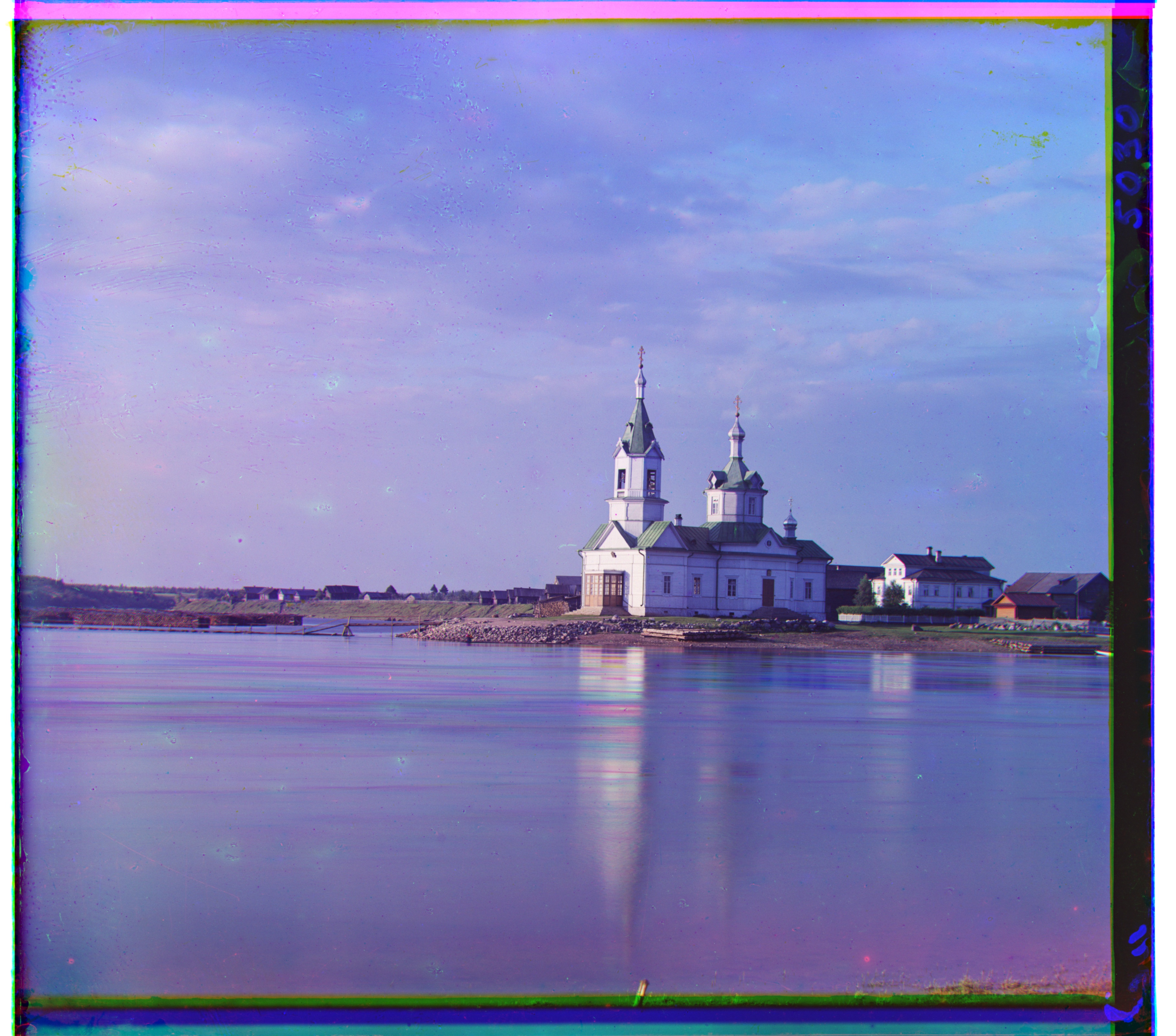
Simply stacking the three exposures leaves strong colored fringes because the camera moved slightly between exposures. Aligning G and R to B removes most of that separation.
Metric sanity check
The two raw-pixel metrics agree on easy images but can behave very differently on harder plates. NCC was the more consistent baseline overall, while Emir is the important exception that motivated the gradient feature.
| Image | Pyramid NCC | Pyramid L2 | What happened |
|---|---|---|---|
| cathedral | G (2, 5), R (3, 12) | G (2, 5), R (3, 12) | Both metrics agree. |
| church | G (4, 25), R (-4, 58) | G (4, 25), R (267, 64) | L2 jumps to a bad red-channel displacement. |
| emir | G (24, 49), R (-205, 141) | G (24, 49), R (57, 103) | The raw-pixel metrics disagree sharply because channel brightness differs. |
| stained | G (16, 20), R (18, 59) | G (16, 19), R (270, -255) | L2 fails on the red channel; NCC remains stable. |
Single-scale alignment
The low-resolution JPGs are small enough that brute-force search is practical. For each of G and R I test every integer displacement \((x,y)\in[-15,15]^2\), score the overlap against B, and keep the best shift. I perform the G→B and R→B searches independently; there is no need to align R to G once both are expressed in B's coordinate system.
On all three provided JPGs, NCC and L2 chose exactly the same offsets. That agreement is a useful sanity check: on these easy examples the scene structure dominates the small photometric differences between channels.
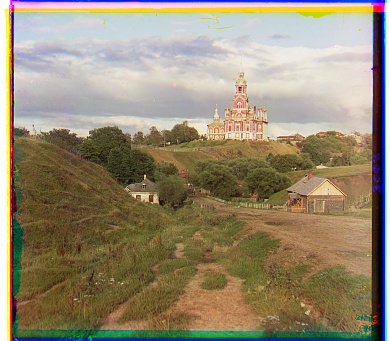
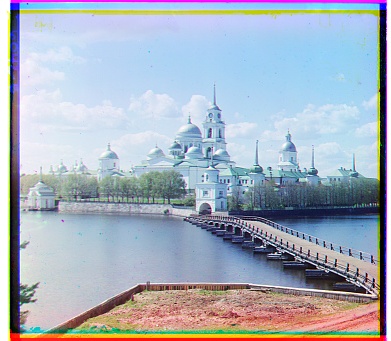
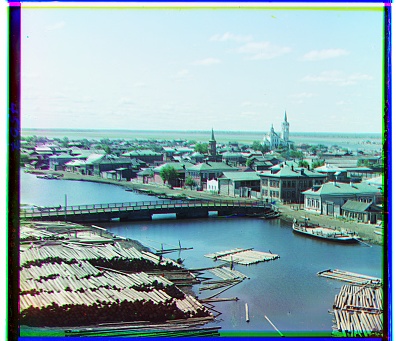
| Image | NCC G | NCC R | L2 G | L2 R |
|---|---|---|---|---|
| cathedral | (2, 5) | (3, 12) | (2, 5) | (3, 12) |
| monastery | (2, -3) | (2, 3) | (2, -3) | (2, 3) |
| tobolsk | (3, 3) | (3, 6) | (3, 3) | (3, 6) |
Image pyramid
The TIFFs are much larger and their true displacements can be tens or hundreds of full-resolution pixels, so simply enlarging the brute-force window would multiply both the number of candidate shifts and the cost of each score. I repeatedly blur and downsample by two until the longest image dimension is at most 400 pixels. At that coarsest scale, even a large full-resolution displacement becomes a small one.
I search ±15 pixels around zero at the coarsest level. When I move one level toward full resolution, every pixel now represents half as much physical displacement, so I double the current offset estimate and search only ±2 around it. This repeats until L0. The result is still an integer translation at full resolution, but most of the expensive global search happened on a tiny image.
Raw-pixel NCC produced visually good alignment on 13 of the 14 provided images. The table also reveals a useful pattern: the high-resolution plates often need much larger vertical than horizontal corrections, so a fixed ±15 full-resolution window would miss many of them even though the final x shift is modest.
What the pyramid looks like
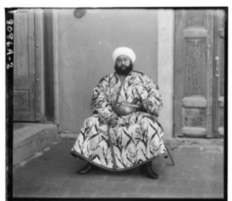
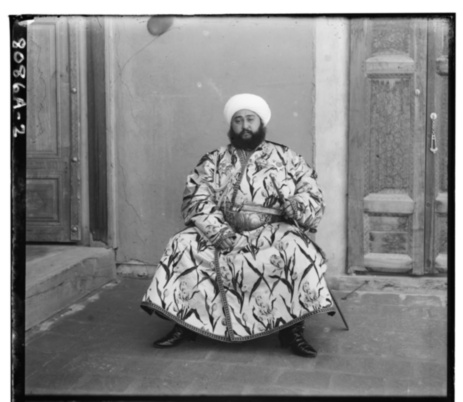
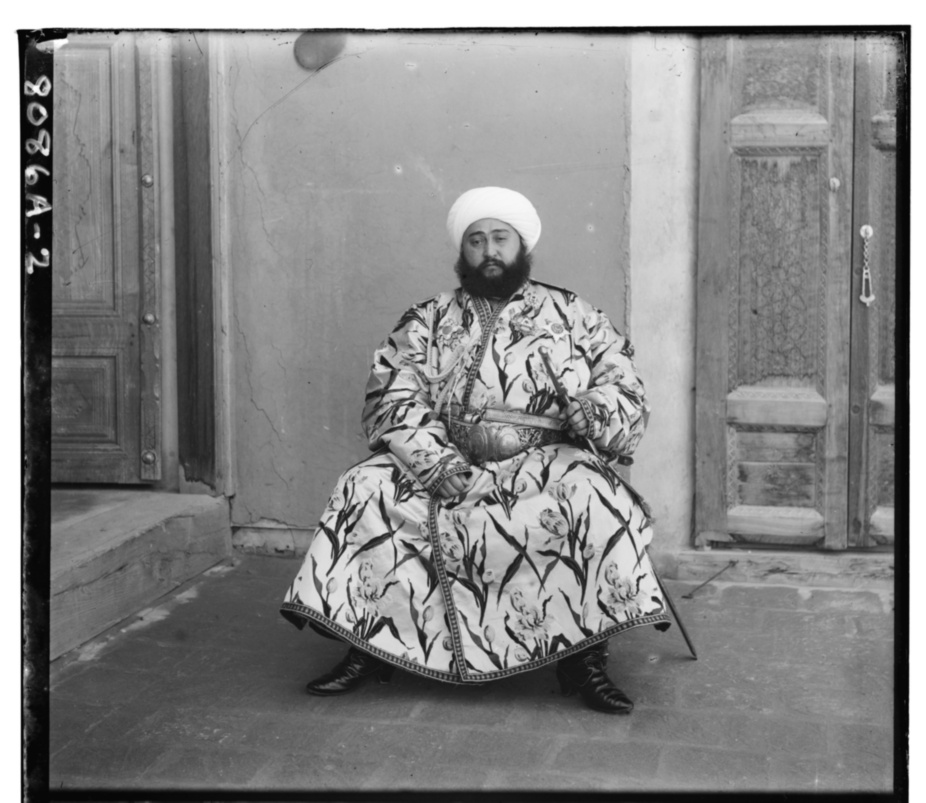
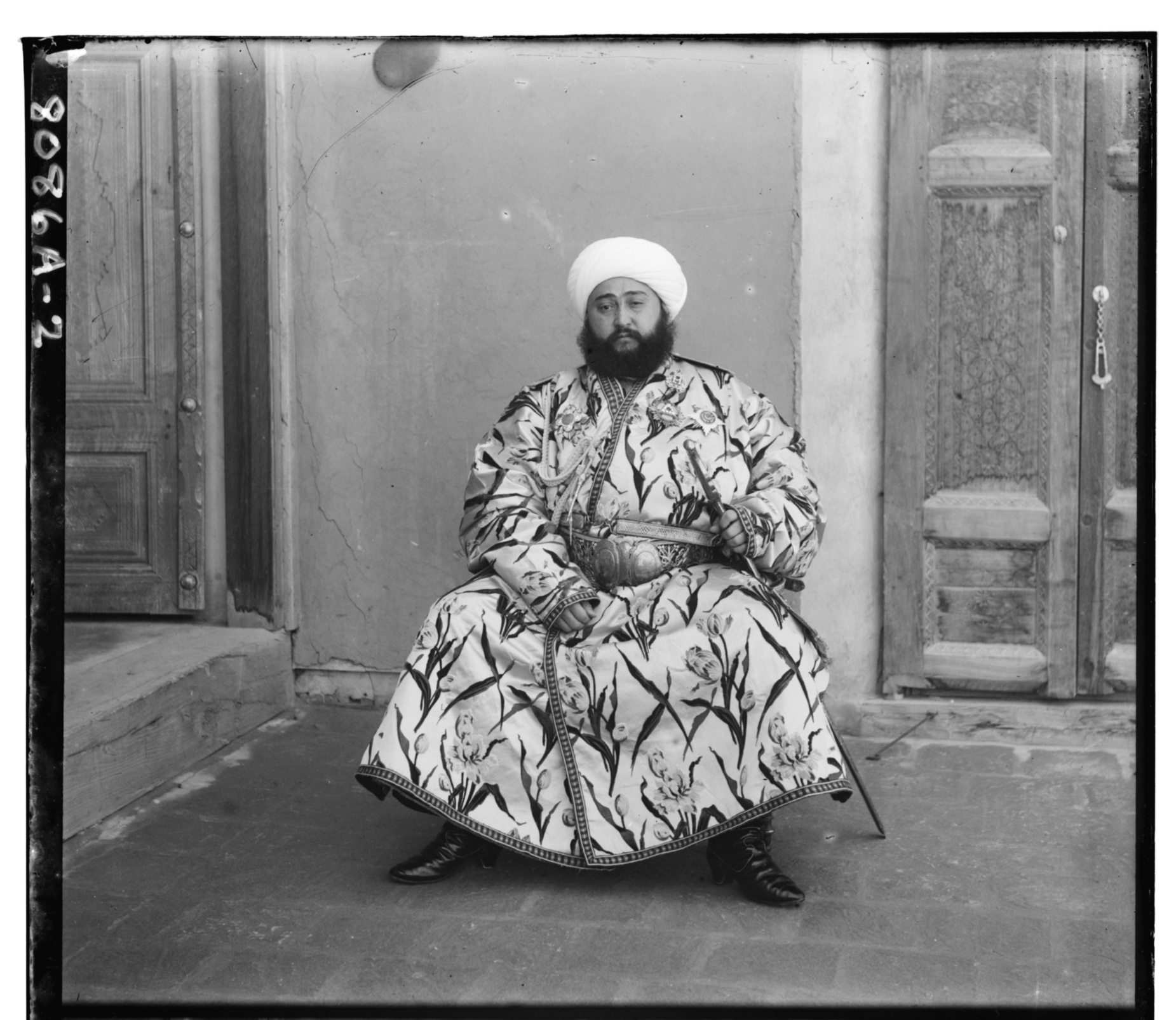
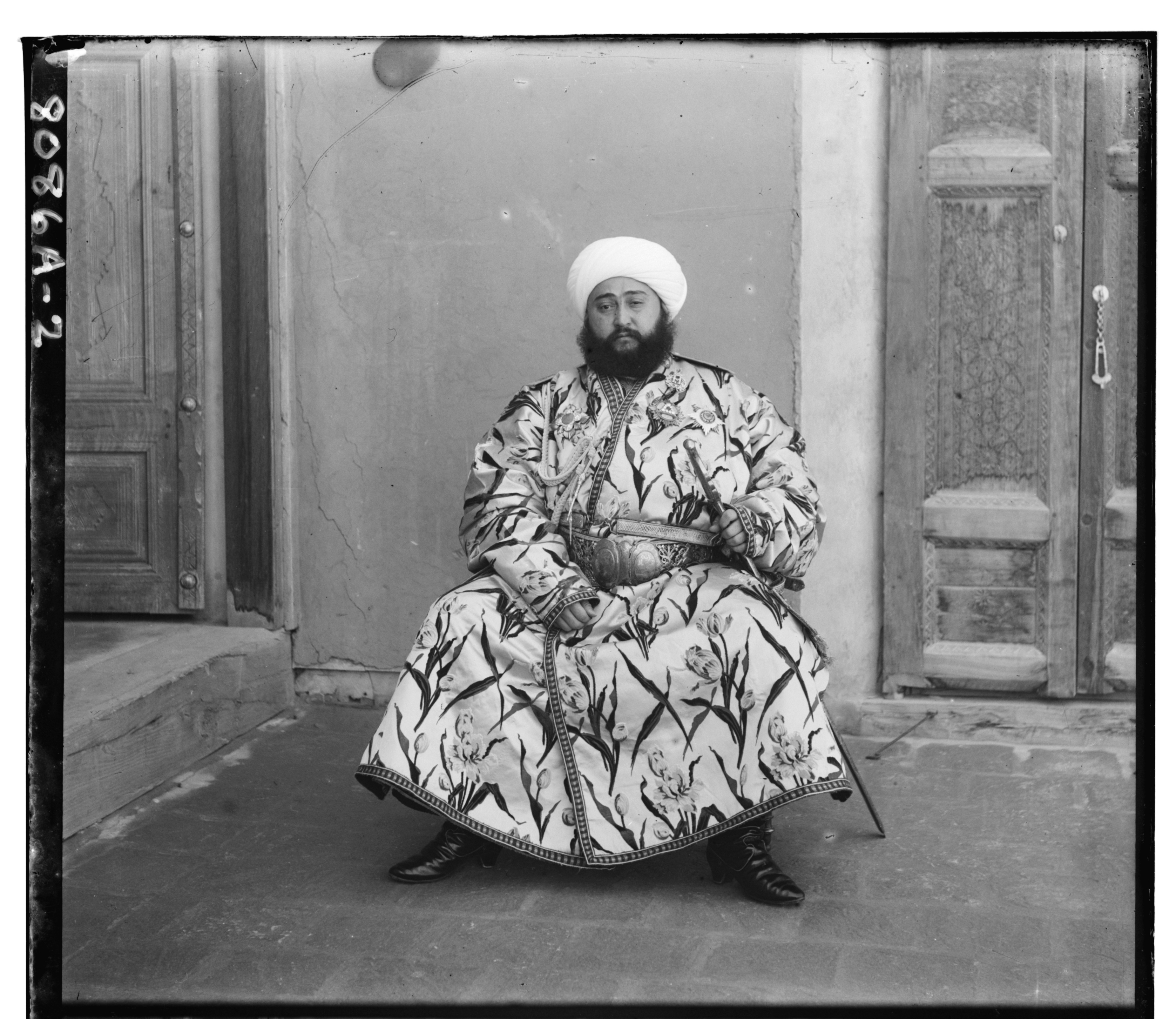
The blue channel of Emir below shows the actual pyramid used by the search. L0 is the full-resolution image. Each next level is blurred and downsampled by two, so L4 is only 1/16 as wide and tall. The alignment starts at L4, where a ±15-pixel search covers a large displacement in the original image, then the offset is doubled and refined by ±2 pixels at each finer level.
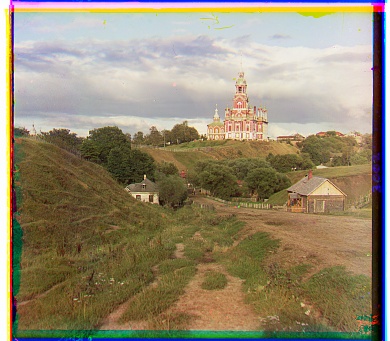
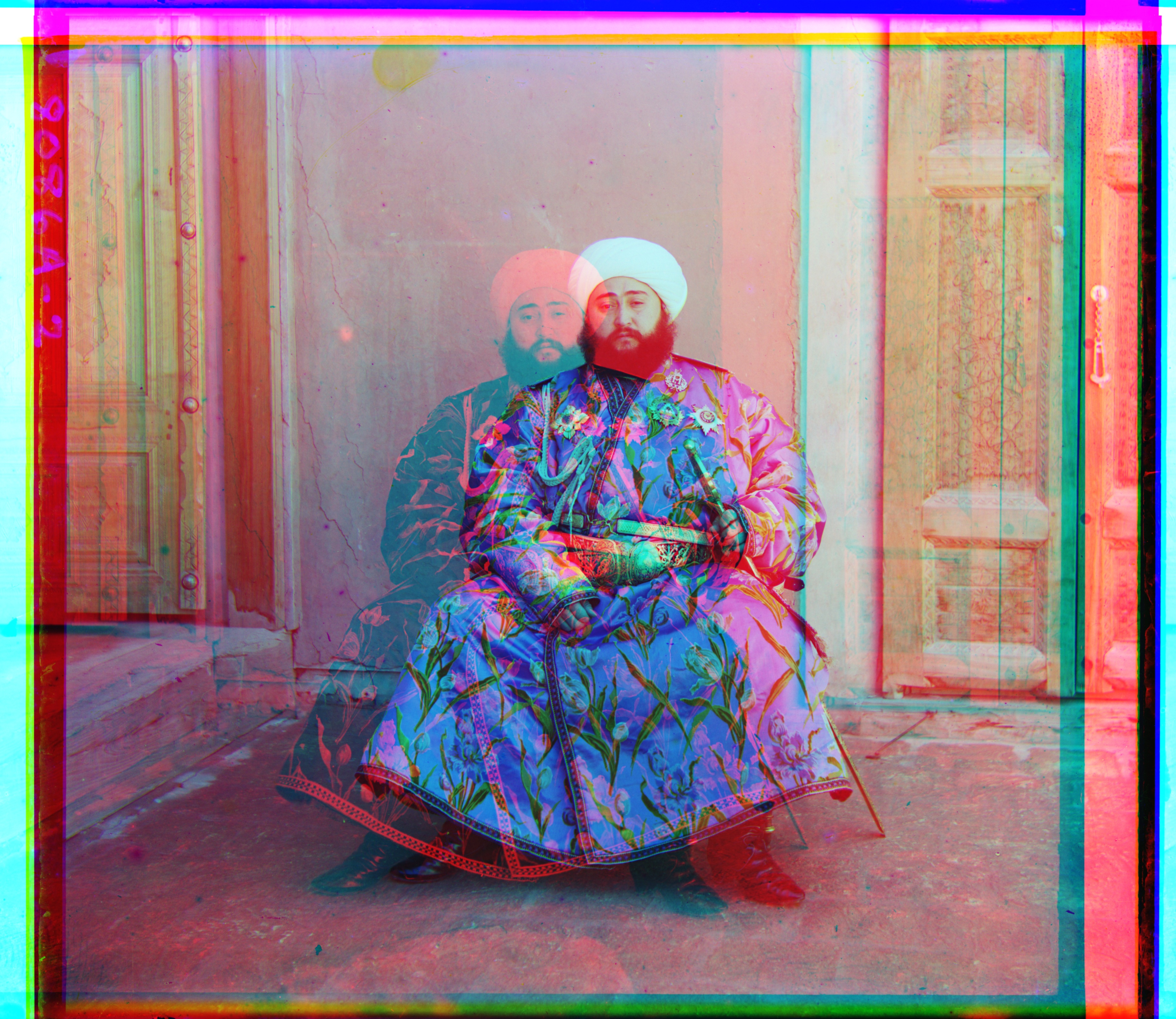
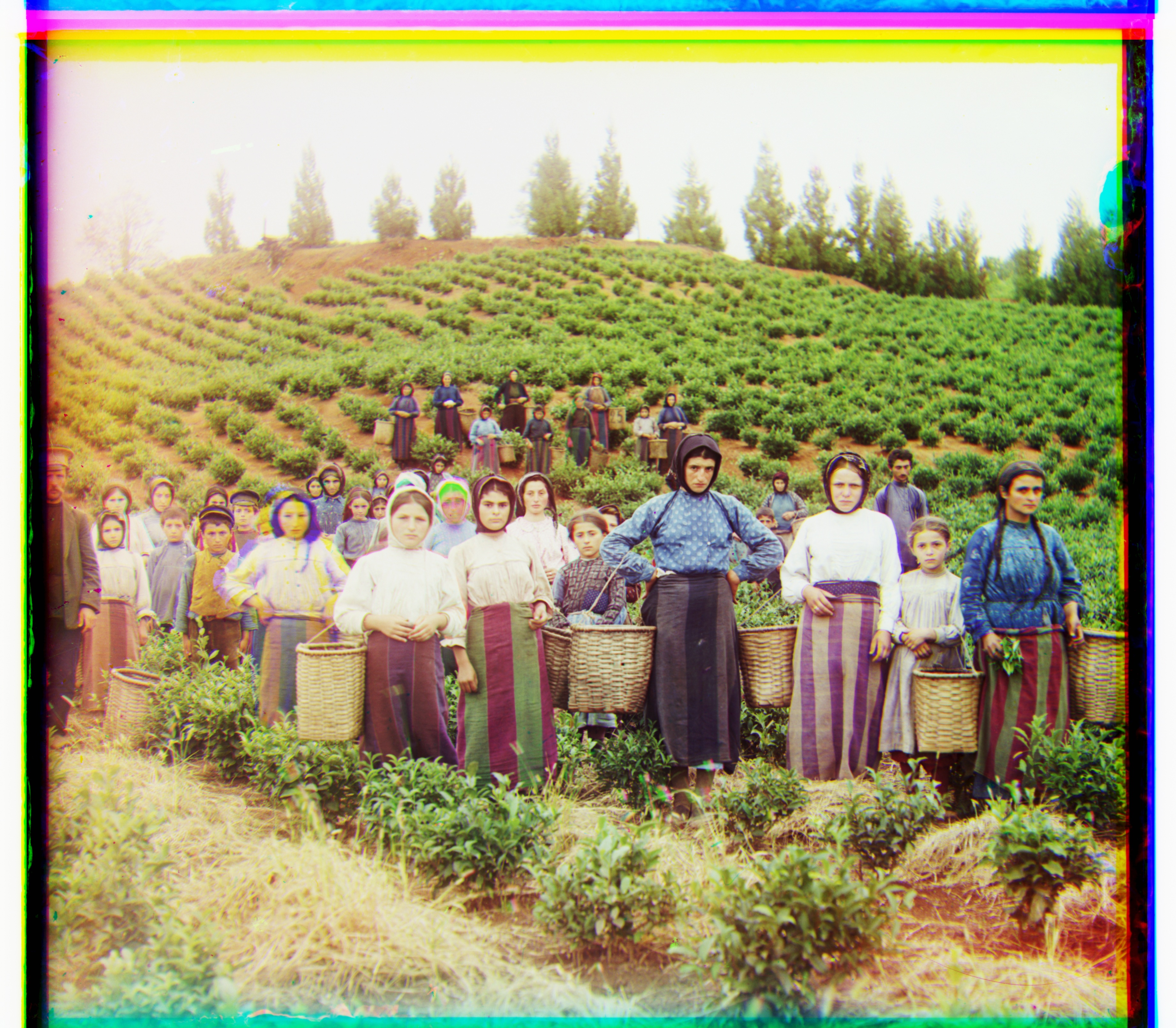
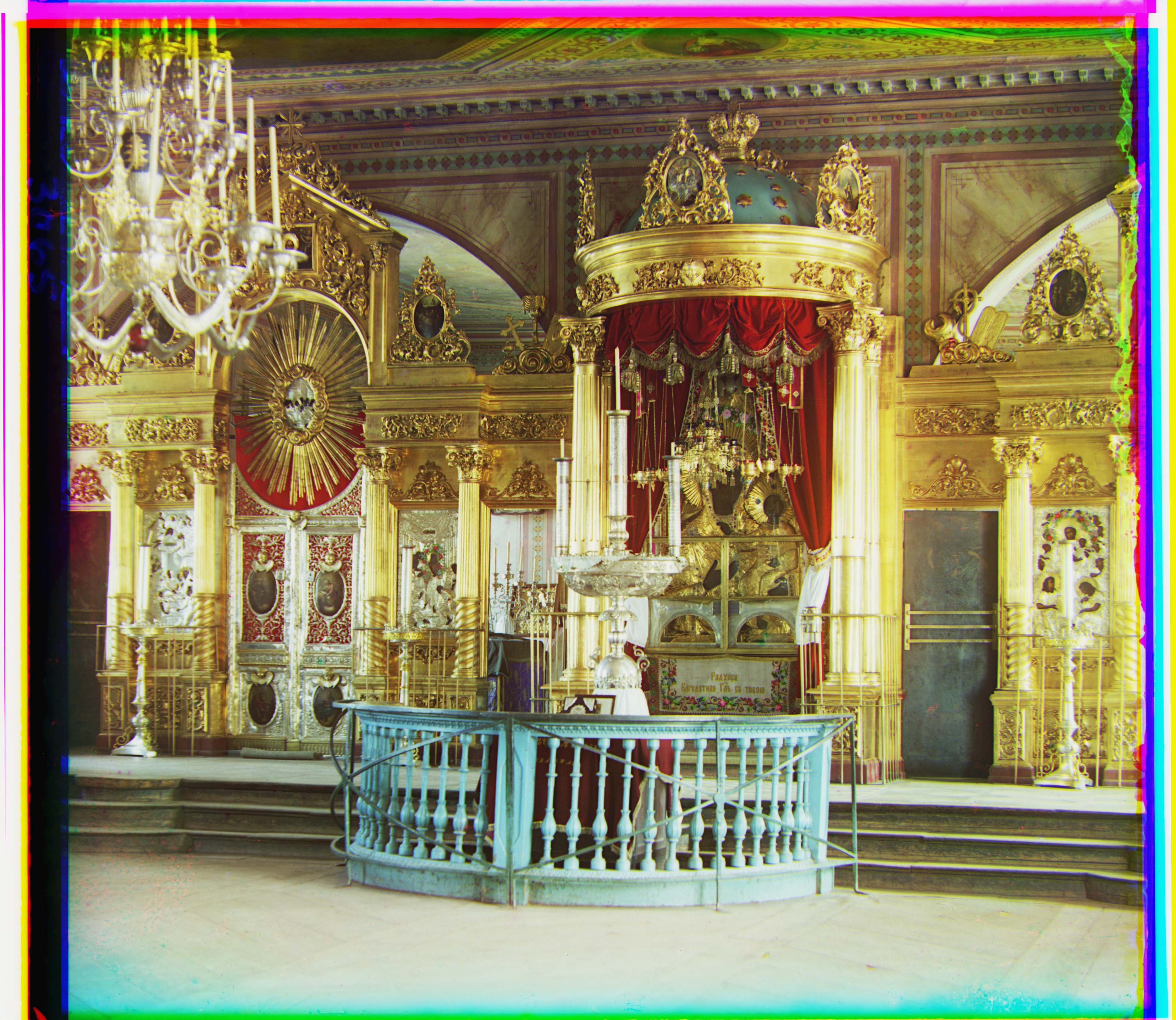
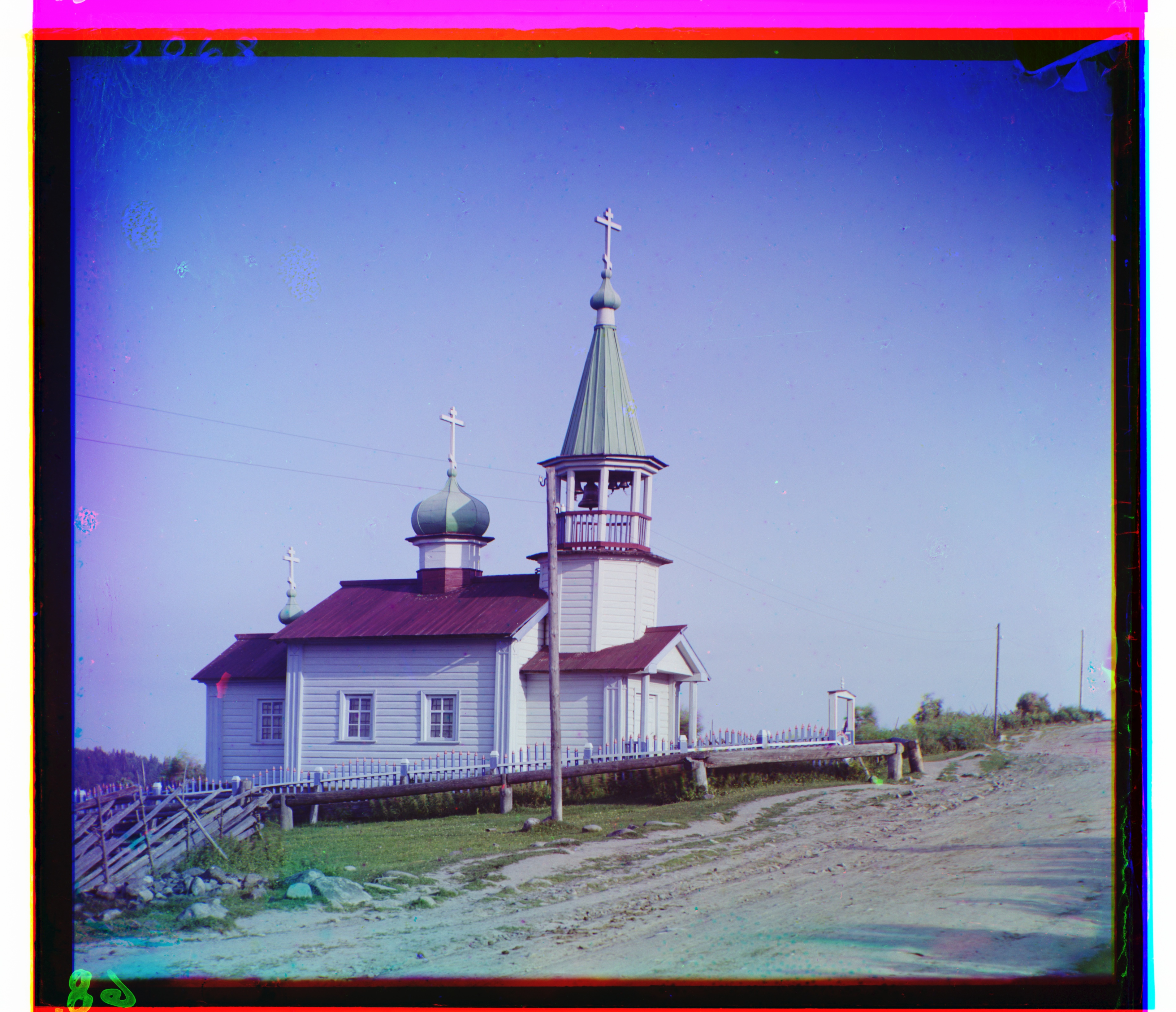
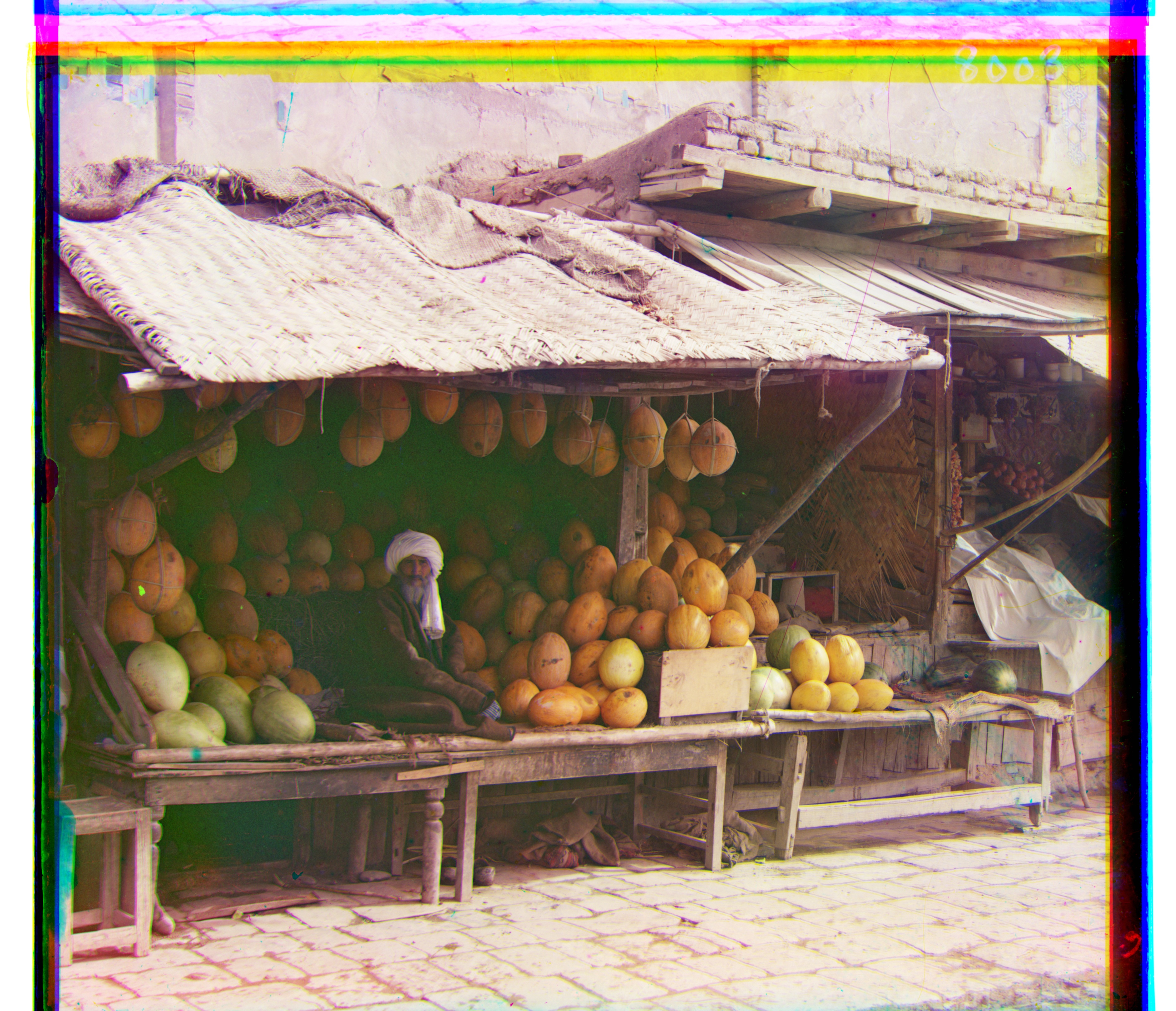
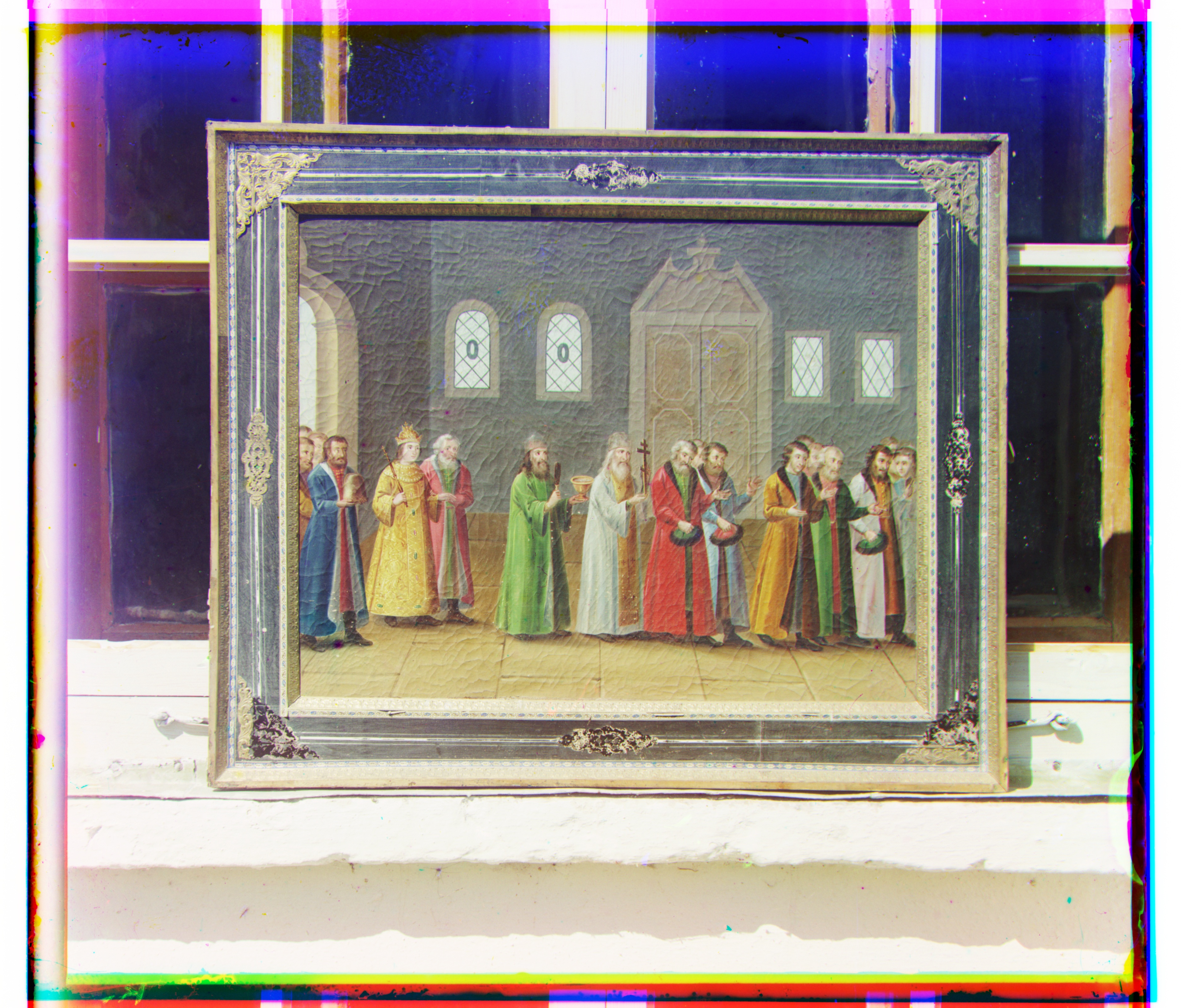
| Image | Green offset | Red offset |
|---|---|---|
| cathedral | (2, 5) | (3, 12) |
| church | (4, 25) | (-4, 58) |
| emir | (24, 49) | (-205, 141) |
| harvesters | (17, 60) | (13, 124) |
| icon | (17, 41) | (23, 89) |
| ilemselga | (7, 40) | (11, 130) |
| melons | (11, 82) | (13, 178) |
| monastery | (2, -3) | (2, 3) |
| religous_painting | (3, 28) | (7, 68) |
| self_portrait | (29, 79) | (37, 176) |
| siren | (-6, 49) | (-25, 96) |
| three_generations | (14, 53) | (11, 112) |
| tobolsk | (3, 3) | (3, 6) |
| wharf | (-7, 15) | (-16, 83) |
Reading the offsets
The displacement is not a property of the scene itself; it records how the three exposures landed relative to one another on the digitized plate. For example, melons needs R (13, 178), while church needs R (-4, 58). The pyramid handles both with the same search parameters because the coarse level absorbs the large motion and the fine levels only correct the residual error.
Emir's raw NCC red offset, R (-205, 141), is the obvious outlier. It is not merely a large valid shift: the resulting color fringes show that the metric optimized the wrong correspondence. I keep that failure in the baseline results rather than silently replacing it, then address it separately with a feature that is less dependent on raw channel intensity.
Additional images
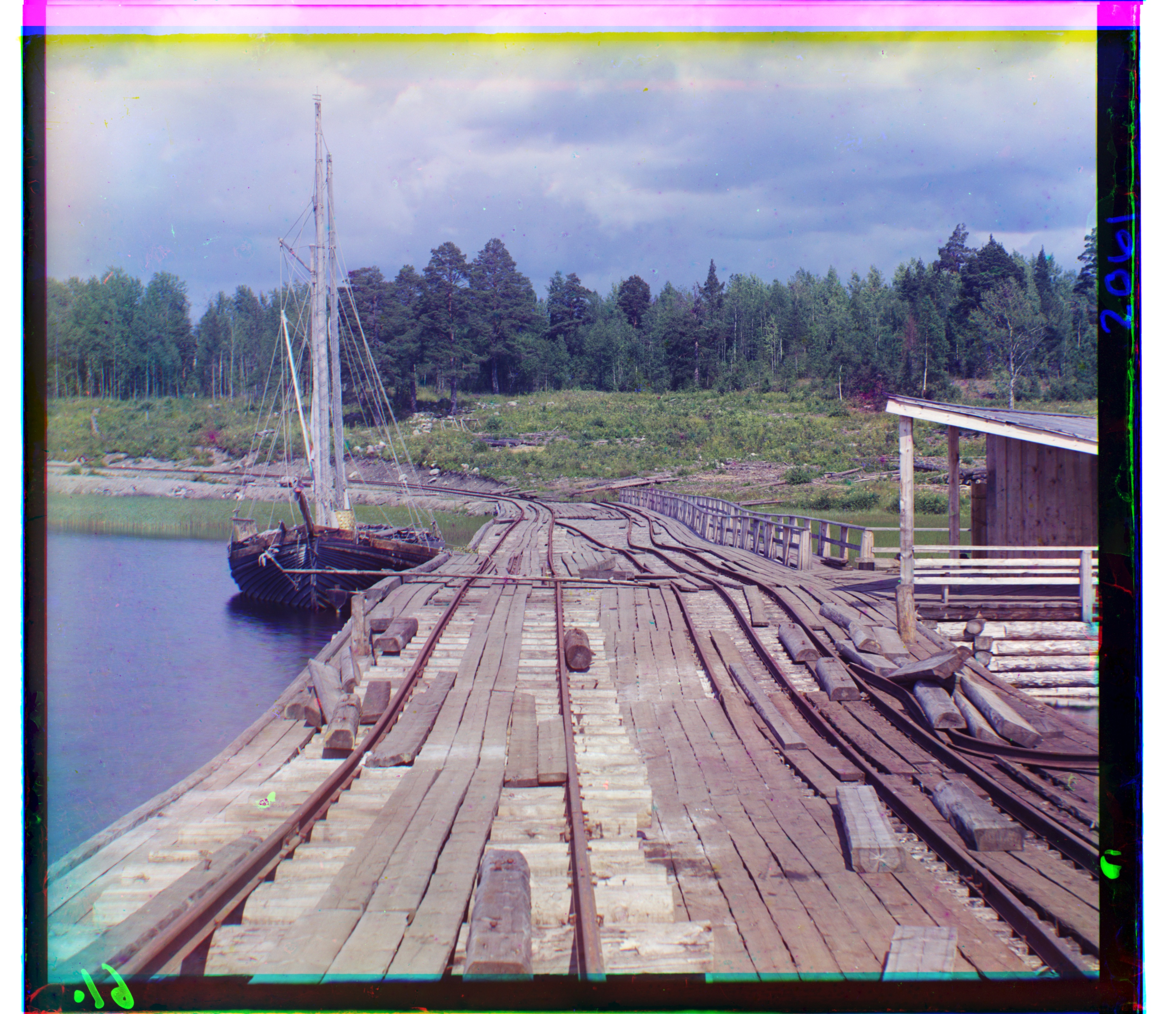
I downloaded four more glass plate negatives from the Library of Congress Prokudin-Gorskii collection and ran them through the same pyramid NCC pipeline with no image-specific parameter changes. I kept the archival titles and source links with each result below. This is a useful check that the method is not tuned only to the provided examples.
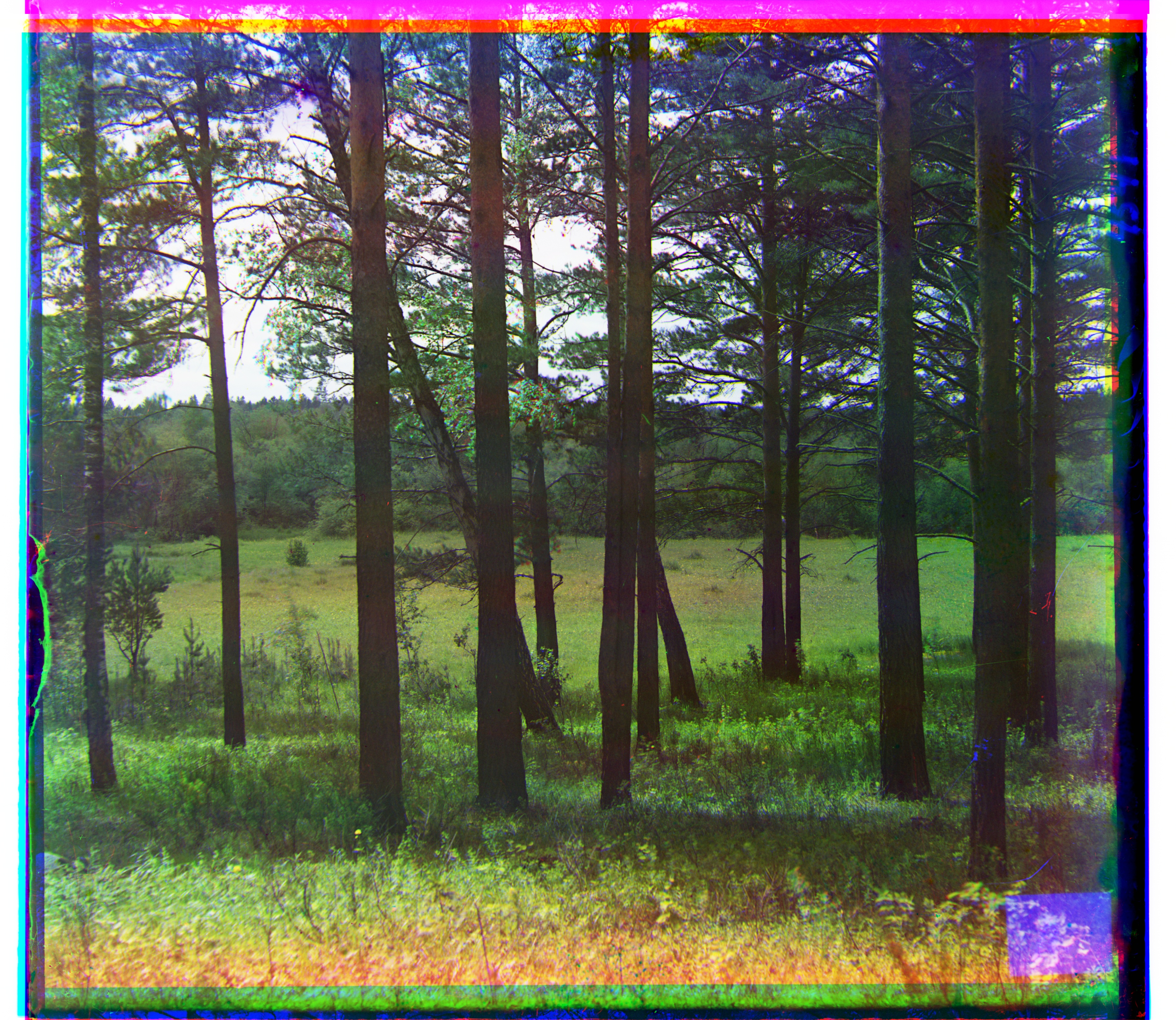
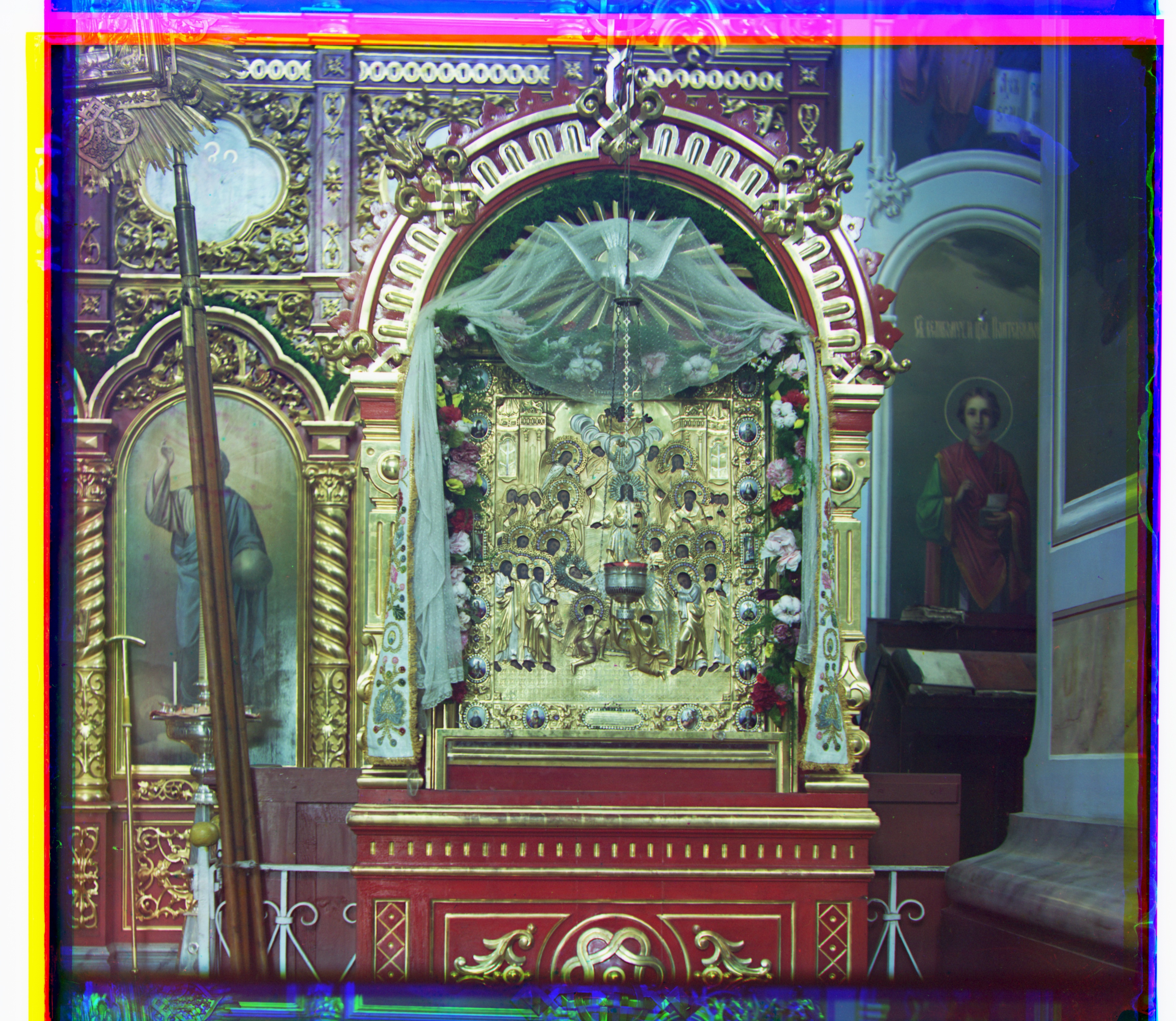
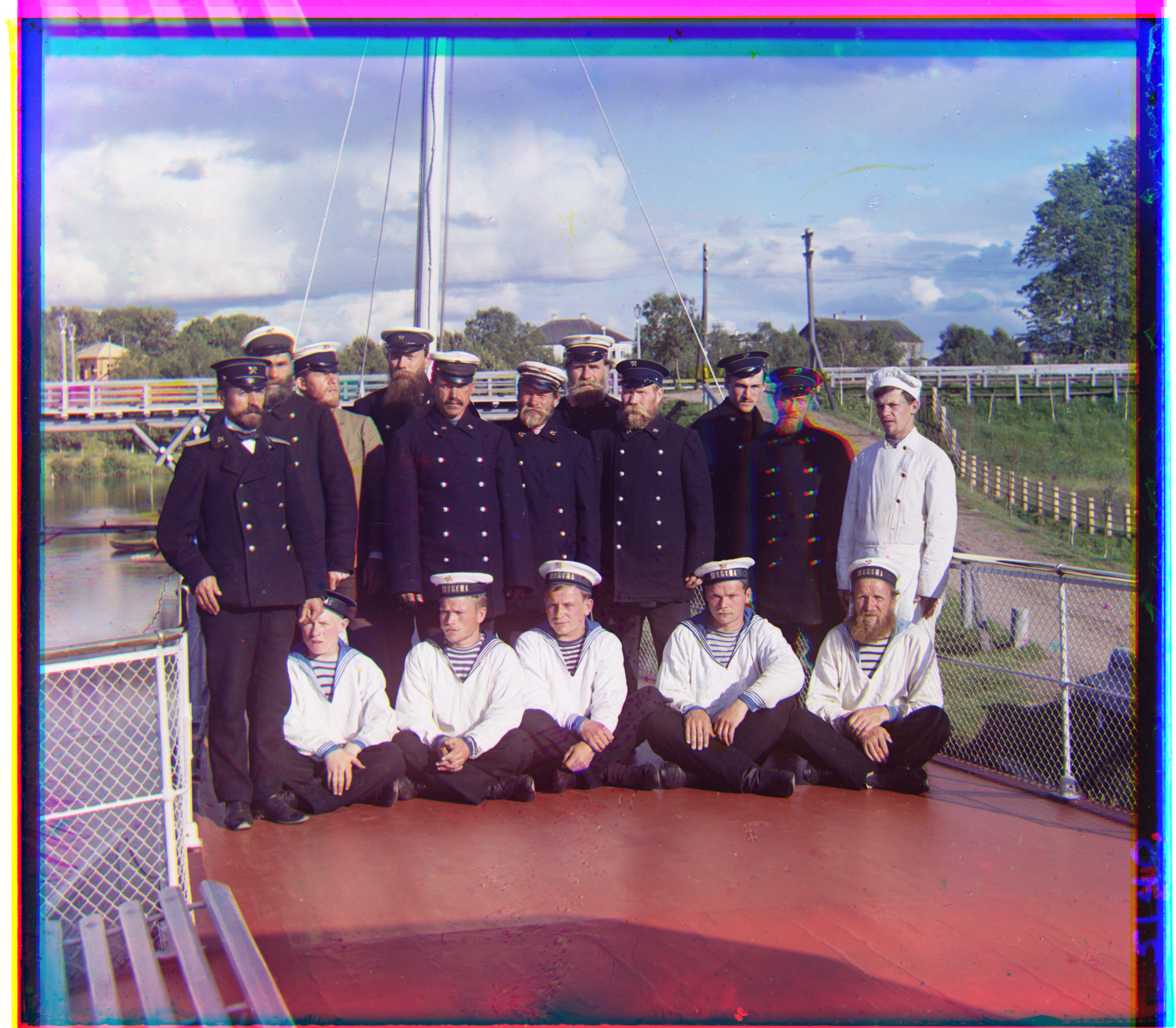
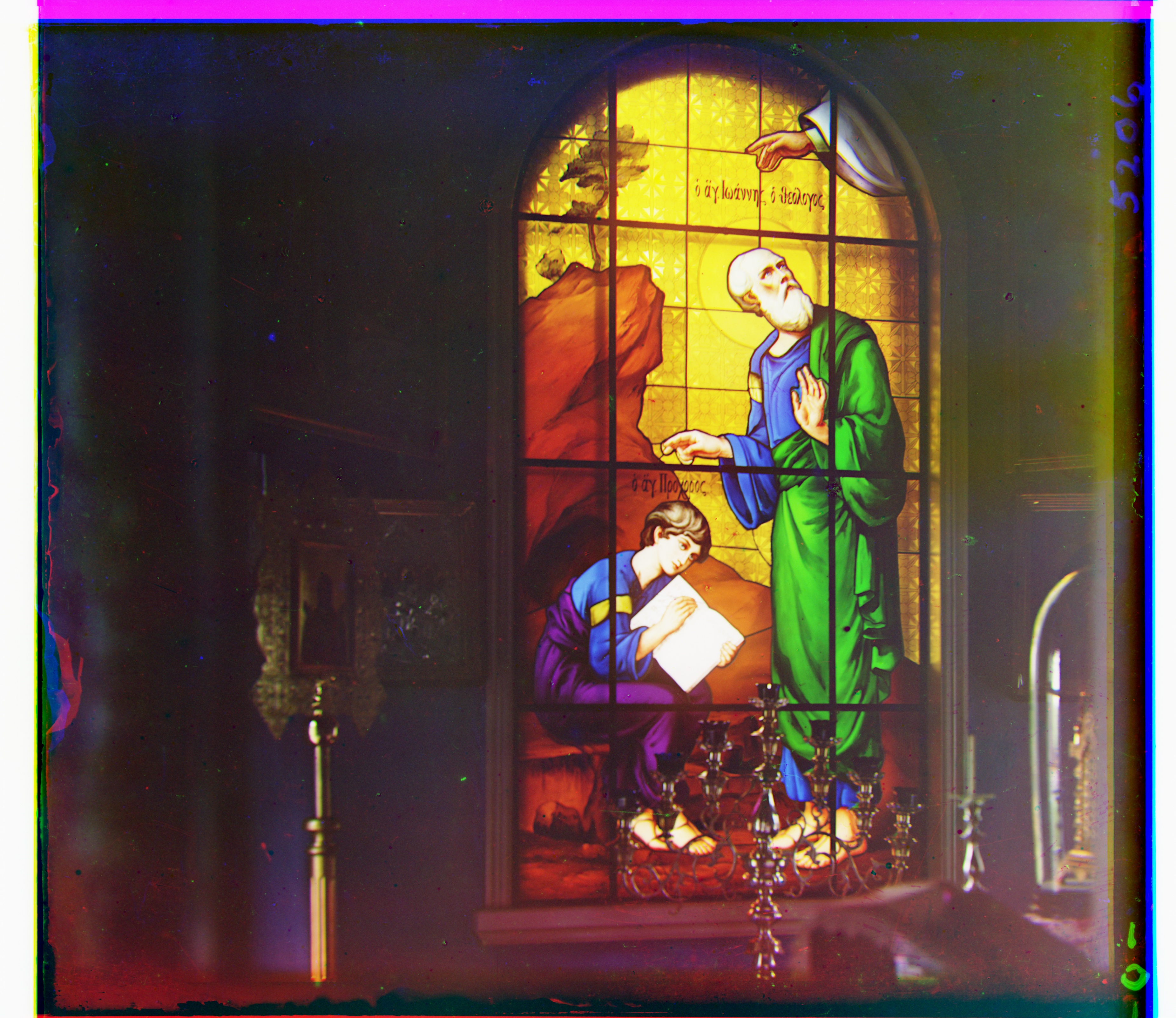
Ikona is the most demanding of these four in horizontal displacement, reaching G (50, 61) and R (72, 142), while forest has a red shift of (-3, 103). Both still converge with the same coarse-to-fine search. Stained is also a useful metric comparison: NCC gives a stable R (18, 59), whereas the raw-pixel L2 run jumped to R (270, -255). That reinforces why I use NCC as the main baseline shown on the page.
Emir failure and gradient feature
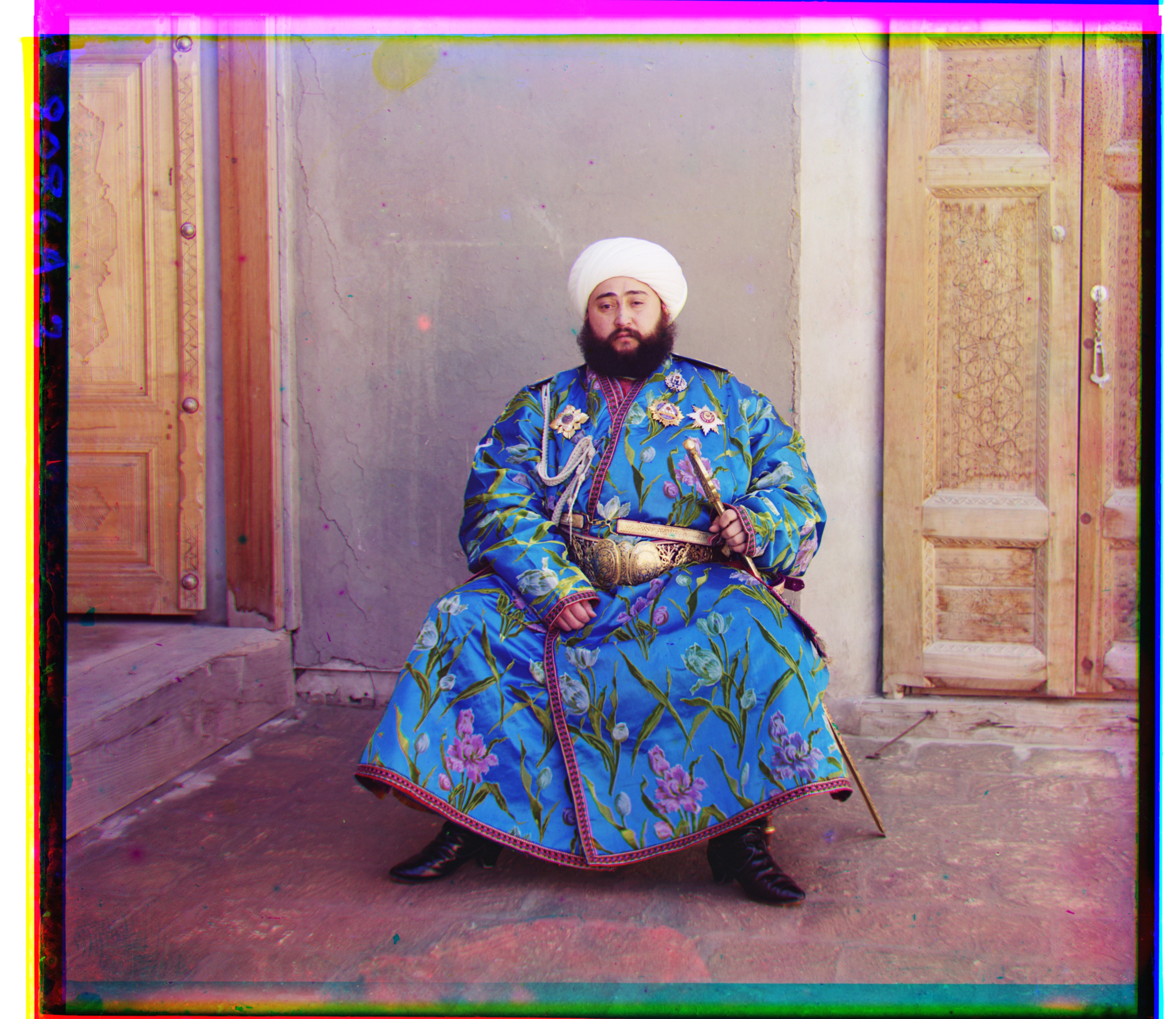
Emir is the main failure of the raw-pixel baseline. His robe has very different responses through the three color filters: regions that are bright in one exposure can be much darker in another. Mean-centering and normalization help with global brightness and contrast, but they cannot make two channels agree when the underlying material itself has a different spectral response. As a result, raw NCC finds R (-205, 141), a numerically high-correlation match that is visibly wrong.
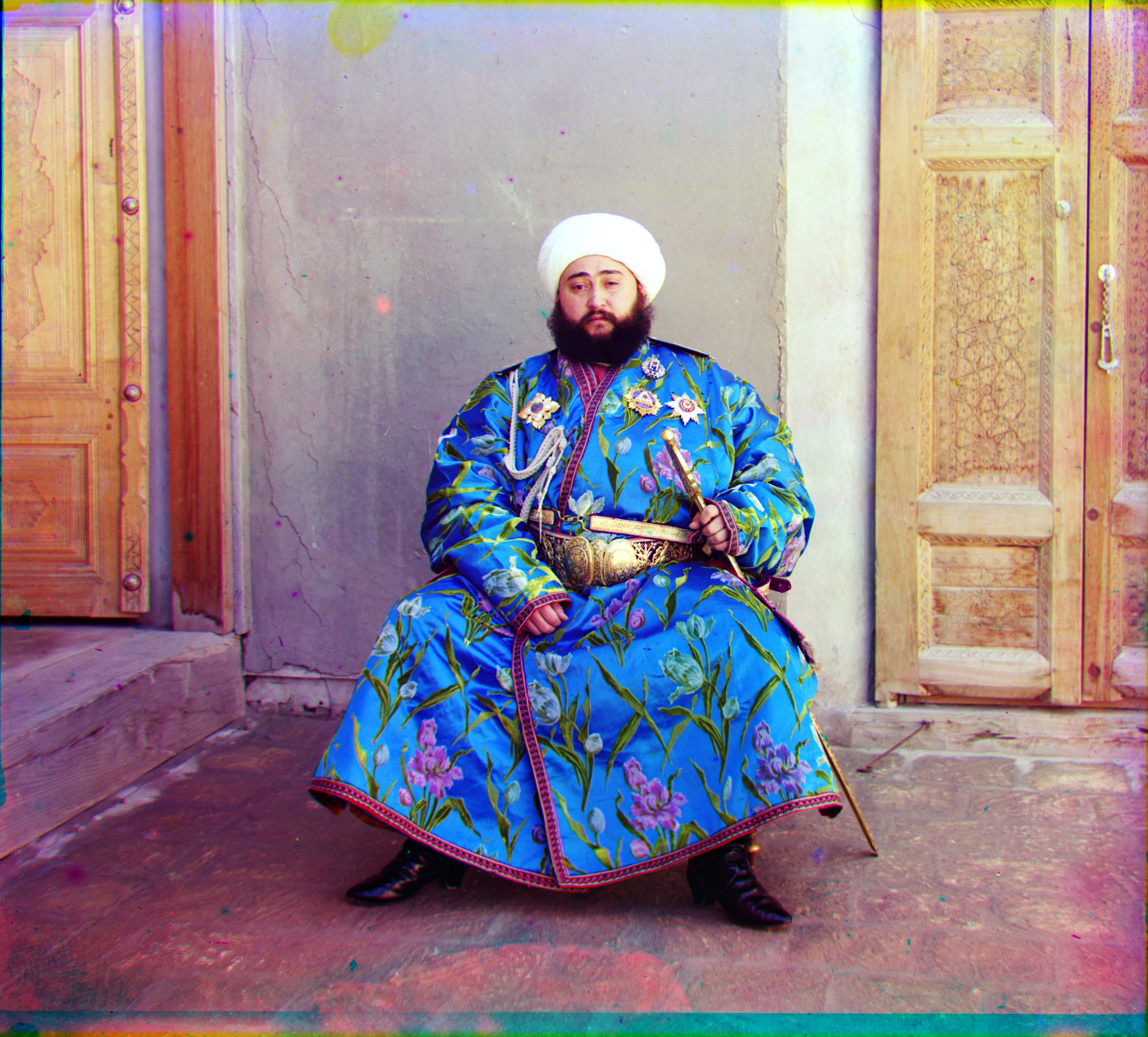
To reduce that dependence on absolute intensity, I compute a simple gradient magnitude image for each channel and align those features instead. The exact brightness of a surface may change from B to R, but many object boundaries—robe edges, facial contours, architectural edges—remain in the same location. Gradient NCC therefore compares more of the shared structure of the channels. For Emir it changes the result to G (24, 49), R (40, 107), which is visually aligned.
Remaining limitations
The model is intentionally only a global x/y translation. That cannot correct every artifact: people, water, foliage, or fabric can move between the three sequential exposures, and a global shift cannot make two different poses coincide. Small channel-specific optical distortions or scratches can also leave local color fringes even when the dominant scene geometry is aligned. Solving those would require a richer motion model or local/non-rigid registration, which is outside the scope of this project.
Bells and whistles
After the required raw-pixel alignment, I added a small finishing pipeline. I kept these operations separate so it is clear which stage changes geometry and which stages only change presentation. Gradient NCC changes the alignment feature; cropping, white balance, color mapping, and contrast operate on the already aligned RGB image.
1 · Gradient-domain alignment
I approximate horizontal and vertical derivatives with centered finite differences and combine them into gradient magnitude. Compared with raw intensity, this representation emphasizes transitions and object boundaries, which are more likely to appear in all three filtered exposures.
2 · Automatic border crop
Shifting with np.roll wraps pixels from one edge to the opposite edge, so I first compute the region where B, shifted G, and shifted R all contain genuine overlapping pixels. I then inspect a small thumbnail near the outer ~12% of the image and trim edge bands that are dominated by very dark plate-border pixels. The crop is therefore driven by the image and the recovered shifts rather than by a fixed final rectangle.
3 · Conservative white balance
A simple gray-world assumption can over-correct a photograph whose scene is naturally dominated by one color. Instead I sample nonsaturated pixels and rank them by chroma, use the lowest-chroma 20% as approximately neutral references, and estimate per-channel gains from those pixels. I limit the gain adjustment to roughly ±10% so this stage corrects obvious casts without aggressively recoloring the historical image.
4 · Better color mapping
The original glass plates were exposed through historical red, green, and blue filters, but there is no reason to assume those filter responses are identical to modern RGB primaries. Instead of treating the aligned channels as a perfect identity mapping, I apply one fixed 3×3 color-correction matrix to every image after white balance:
Each row sums to one, so a neutral gray remains neutral. The small off-diagonal terms mix the historical channels rather than assuming a one-to-one correspondence with display RGB, while the diagonal boost increases separation between colors. This is a deliberately conservative, heuristic mapping rather than a calibrated reconstruction of the original filter spectra, and I use exactly the same matrix for every plate.
5 · Shared contrast stretch
Finally I map approximately the 0.5th and 99.5th intensity percentiles to the display range. The same low/high values are shared across R, G, and B rather than stretching each channel independently; this improves global contrast while preserving the relative color balance established by the previous stage.
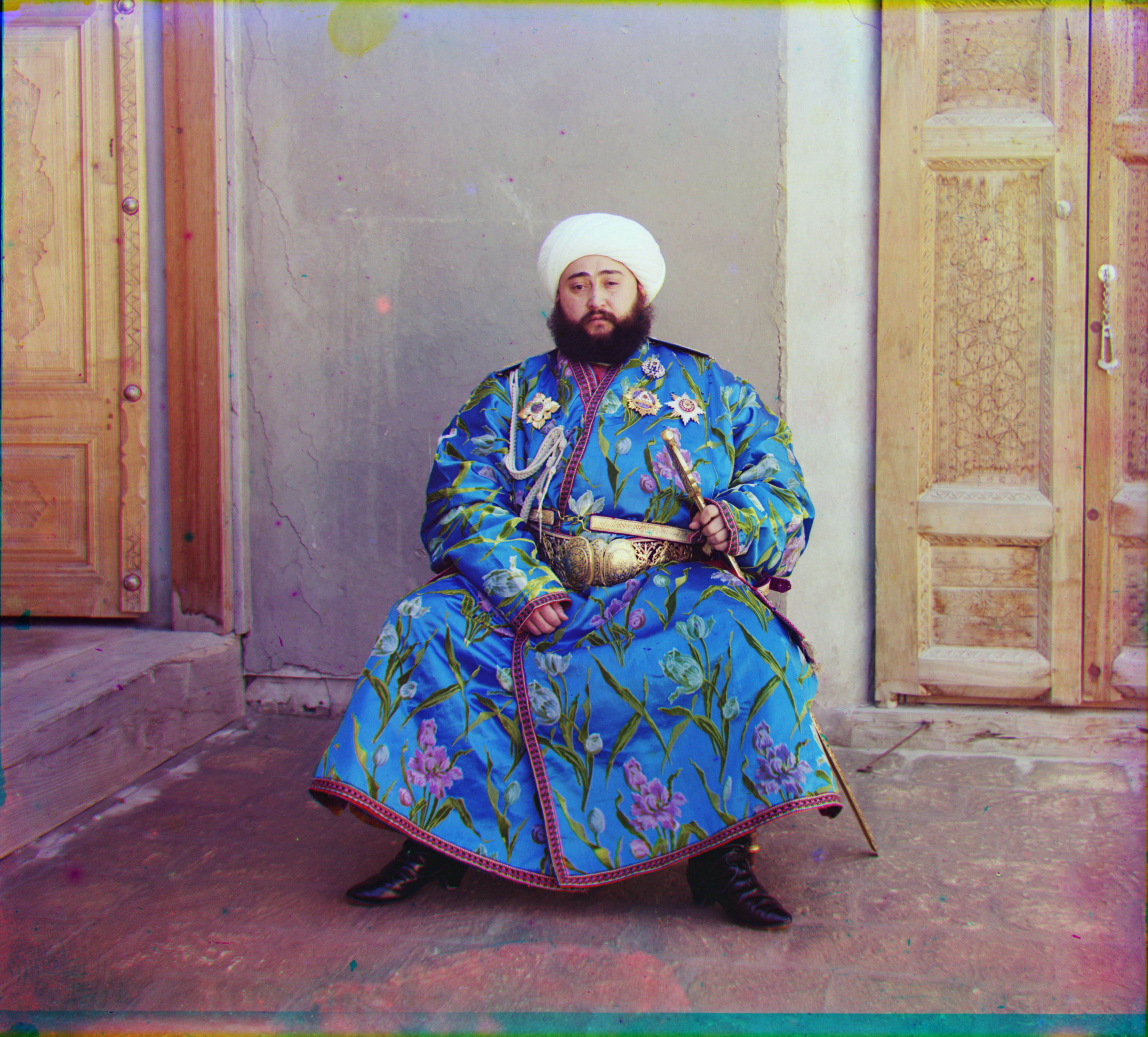
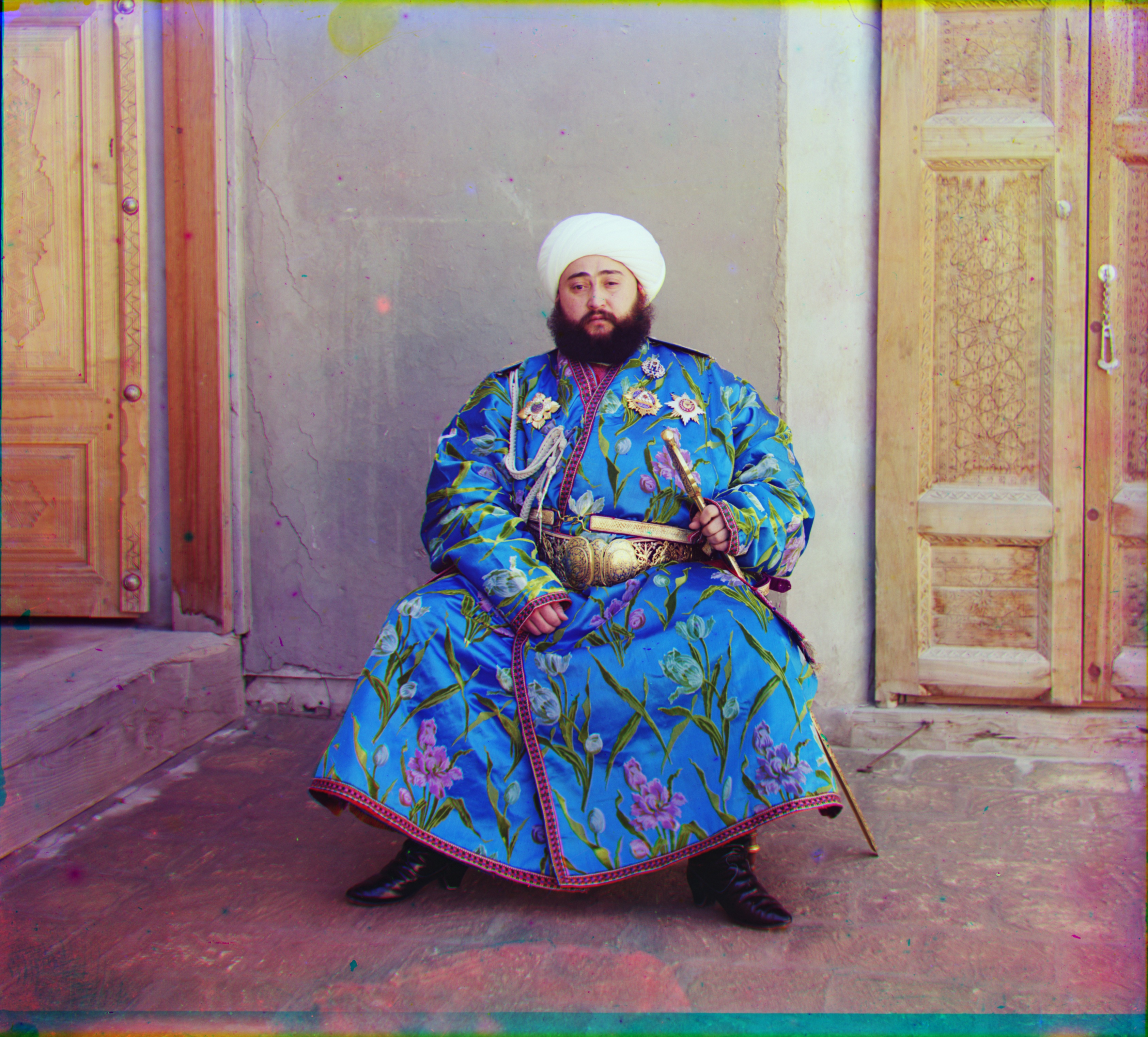
gradient NCC → border crop → gray-pixel white balance → 3×3 color mapping → shared contrast stretch
Emir makes the progression easiest to see. The first image below is already correctly aligned with gradients; the remaining stages only clean the presentation and do not change the alignment offsets.